写在前面
在绑定完成ssh之后,我们需要先在本地生成内容。
安装hexo
在本地所要存储博客文件的文件夹右键打开Git Bash,输入
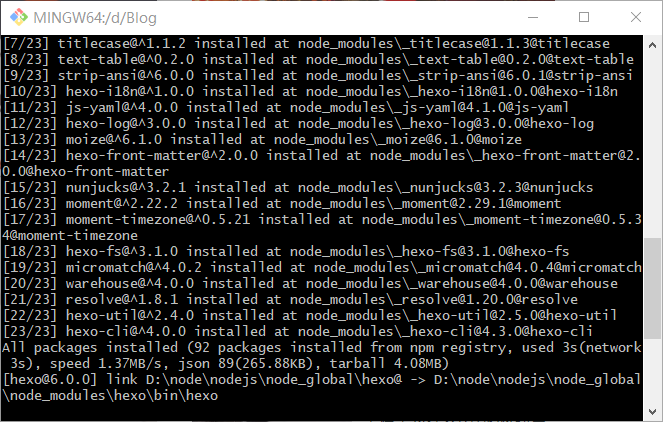
1 | cnpm install -g hexo |
结果如下图
hexo 初始化
在Git Bash中输入
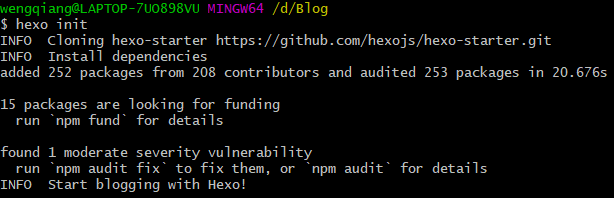
1 | hexo init |
结果如下图
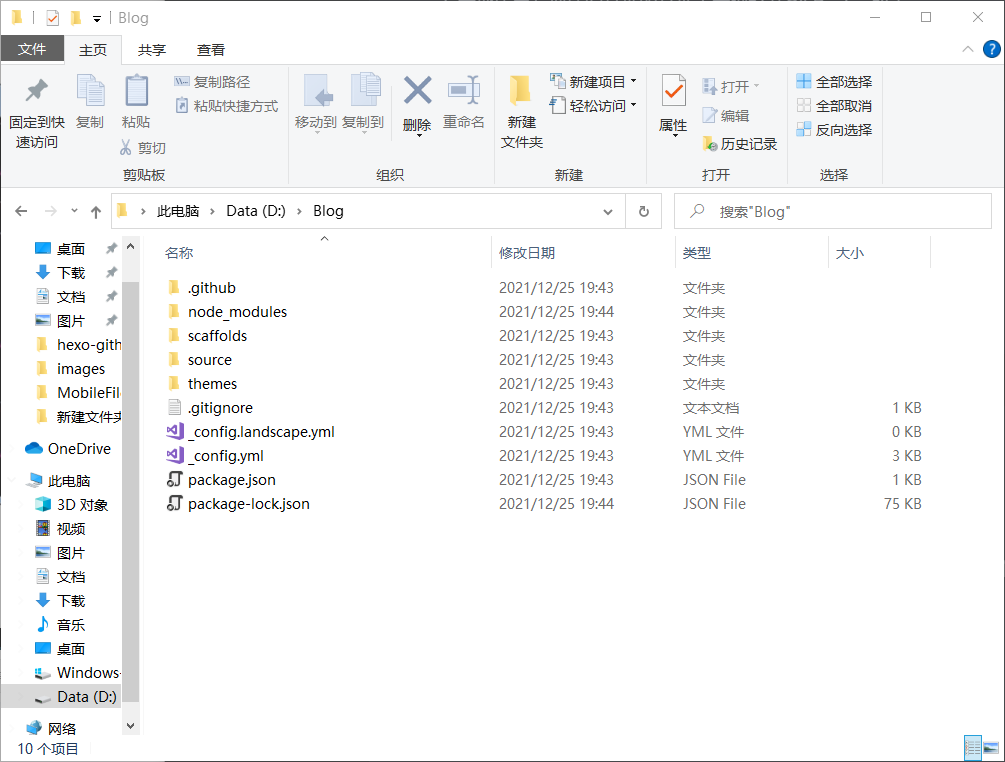
成功后我们可以看到所在文件夹多了如下图的文件,这就是我们hexo博客最开始的样子😘
hexo本地网页生成
第一次在本地生成我们的博客网站之前,我们需要了解一下hexo的几个基础命令
以下命令均在Git Bash中运行(参考hexo-helloworld,可在\source_posts中寻得)
Create a new post
1 | $ hexo new "My New Post" |
More info: Writing
Run server
1 | $ hexo server 或 $ hexo s |
More info: Server
Generate static files
1 | $ hexo generate 或 $ hexo g |
More info: Generating
Deploy to remote sites
1 | $ hexo deploy 或 $ hexo d |
More info: Deployment
了解之后,我们就可以在Git Bash中输入hexo s 生成本地网页啦
当然,我们得进入本地网址 localhost:4000 才能看到!
就如之前所说,我们可以在Git Bash中用ctrl+c中止此次命令,即结束本地网页。